 Tappy
Log expenses with Back Tap
Double-tap the back of your iPhone, enter the amount, pick a category. That's the whole thing, and it takes about a minute to set up.
What you need: Tappy installed and an iPhone 8 or later. Back Tap is built into iOS, so there's nothing else to download. (Back Tap is an iPhone feature; on Android, you log by opening Tappy.)
Add the Tappy shortcut
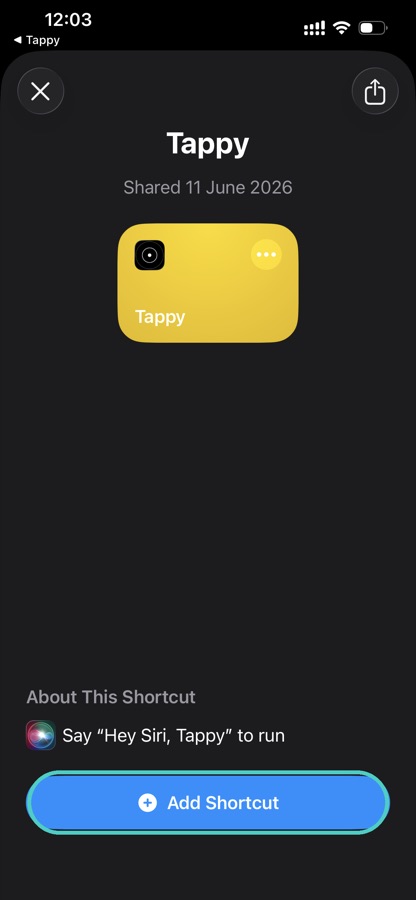
In Tappy, open Settings → Back Tap and follow the prompt, or add the Tappy shortcut directly. Tap Add Shortcut.
You only do this once.
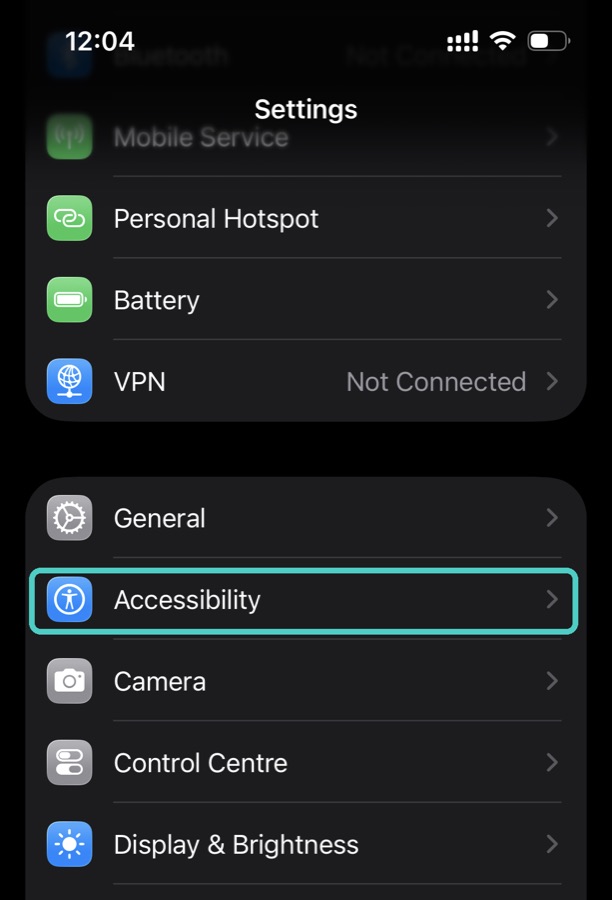
Open Settings → Accessibility
In the iPhone Settings app, tap Accessibility.
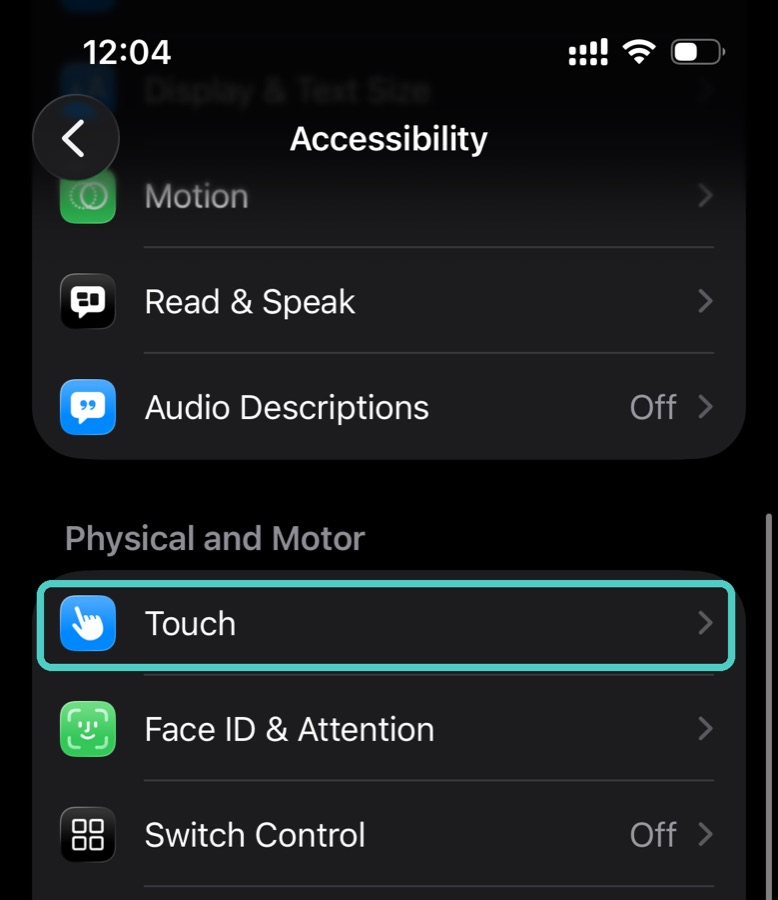
Go to Touch
Under Physical and Motor, tap Touch.
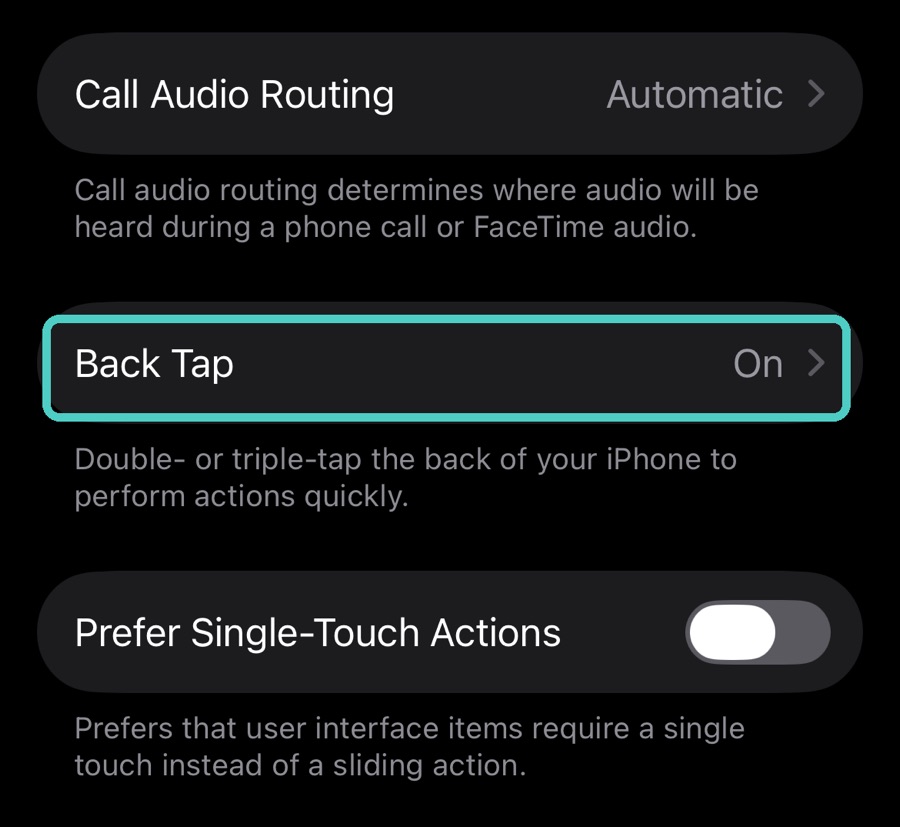
Tap Back Tap
Scroll to the bottom and tap Back Tap.
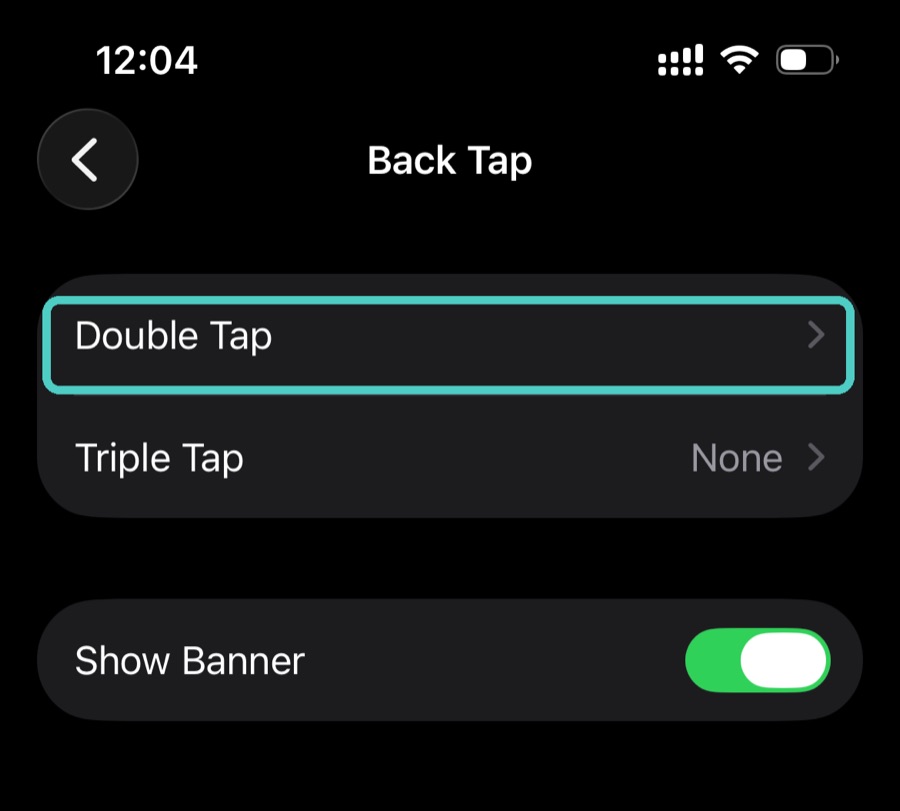
Choose Double Tap
Pick Double Tap. If you already use double tap for something else, Triple Tap works just as well.
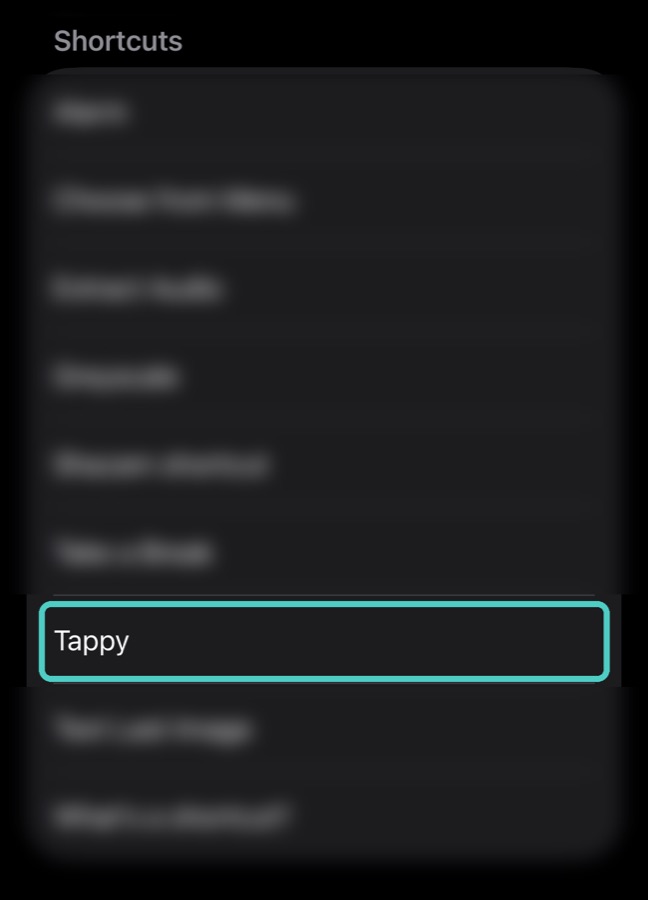
Select Tappy
Scroll down to the Shortcuts section and choose Tappy.
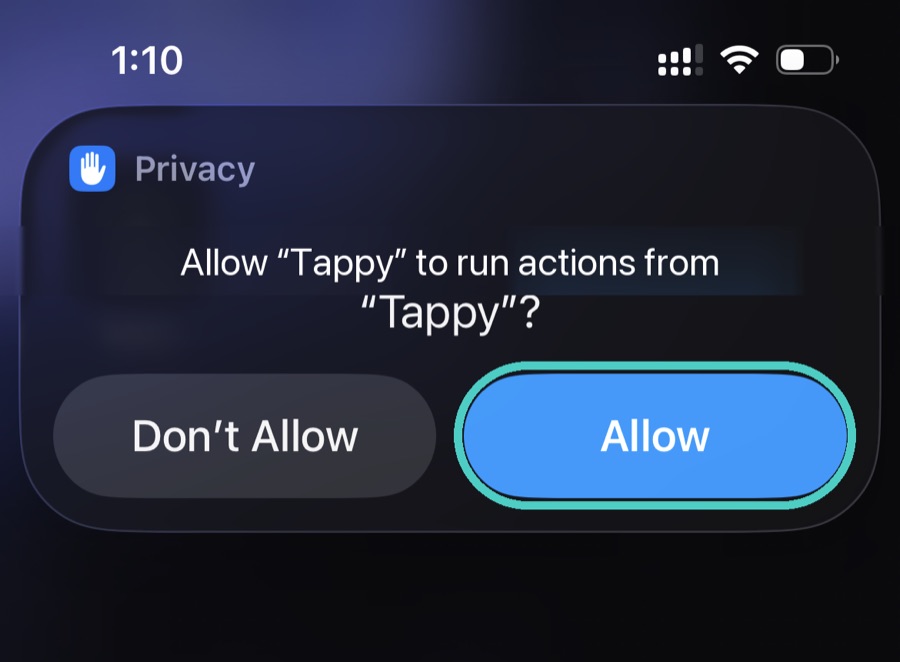
First tap: Allow
The first time you double-tap, iOS asks for permission. Tap Allow, and choose Always Allow so it never asks again.
What happens when you double-tap
iOS shows three quick prompts right over whatever you were doing, including the Lock Screen:
- How much did you spend? Type the amount.
- Category. Pick from your Tappy categories, with their emoji.
- Add a note (optional). Type something or just tap Done.
The expense is saved straight into Tappy. The app never opens, and the next time you do open it, the entry is already in your history.
Troubleshooting
Nothing happens when I double-tap
Tap firmly near the Apple logo, two quick taps. Some thick cases make Back Tap less reliable; try it without the case to check. Also confirm that Settings → Accessibility → Touch → Back Tap → Double Tap is set to Tappy.
I don't see Tappy in the Back Tap list
The Tappy shortcut needs to be in your Shortcuts app first (step 1). Open the Shortcuts app and check it's there, then go back to the Back Tap list.
iOS keeps asking for permission
Choose Always Allow instead of Allow Once when the prompt appears.
A new category isn't showing up
Open Tappy once after adding or renaming a category. The picker updates from the app, no need to rebuild the shortcut.
Don't have Tappy yet?
Free on the App Store. No account needed.